QR ordering for dine-in · عربي / English
Everytabletakesitsownorder.
Mataame puts your menu on your guests' phones. They scan the QR on their table, order together, and your counter sees it instantly. No app to download, no accounts, no new hardware.
First month free · no card · cancel anytime
Table 7طاولة ٧
Scan to order
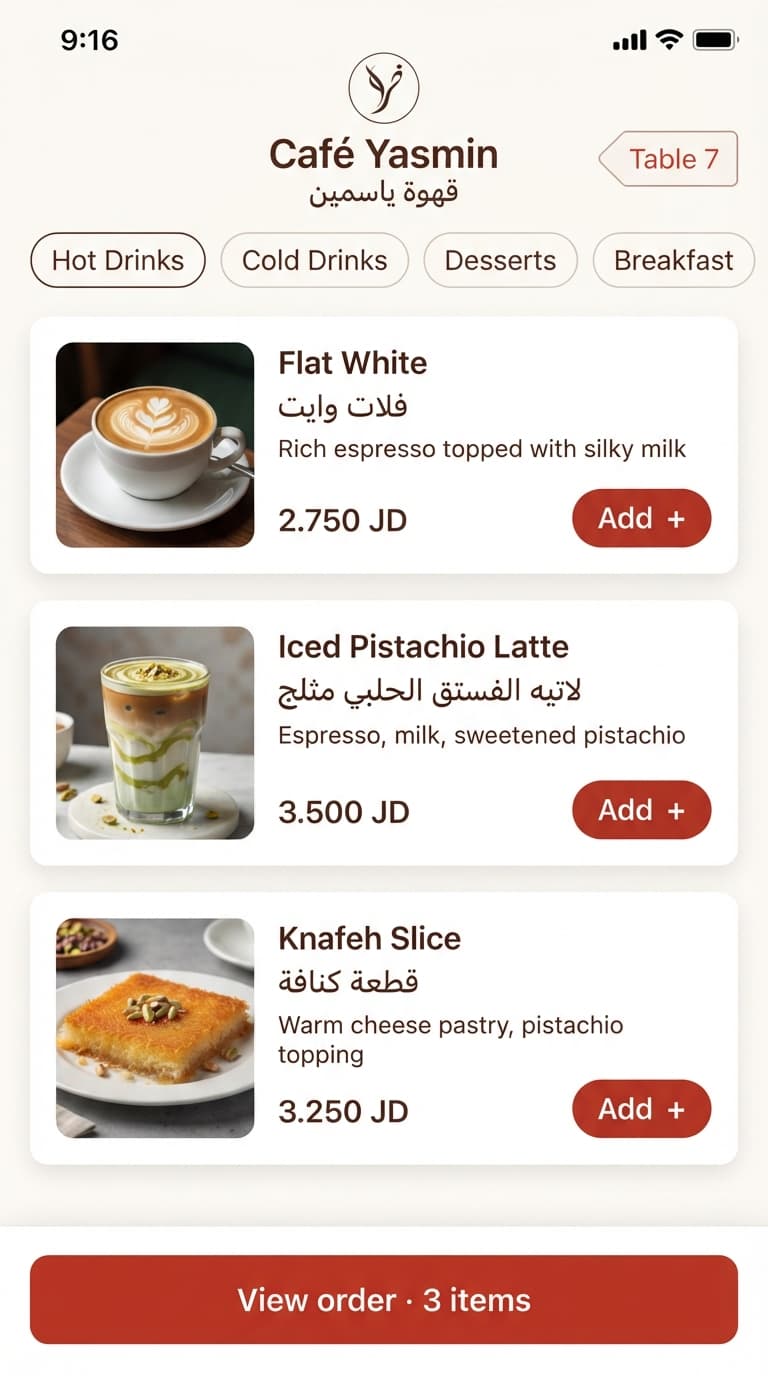
Built in Jordan, for Jordan's cafés and restaurants
We're onboarding our first partner cafés in Amman now. Pilot partners get Mataame free. Become a pilot café
Three steps. Zero training.
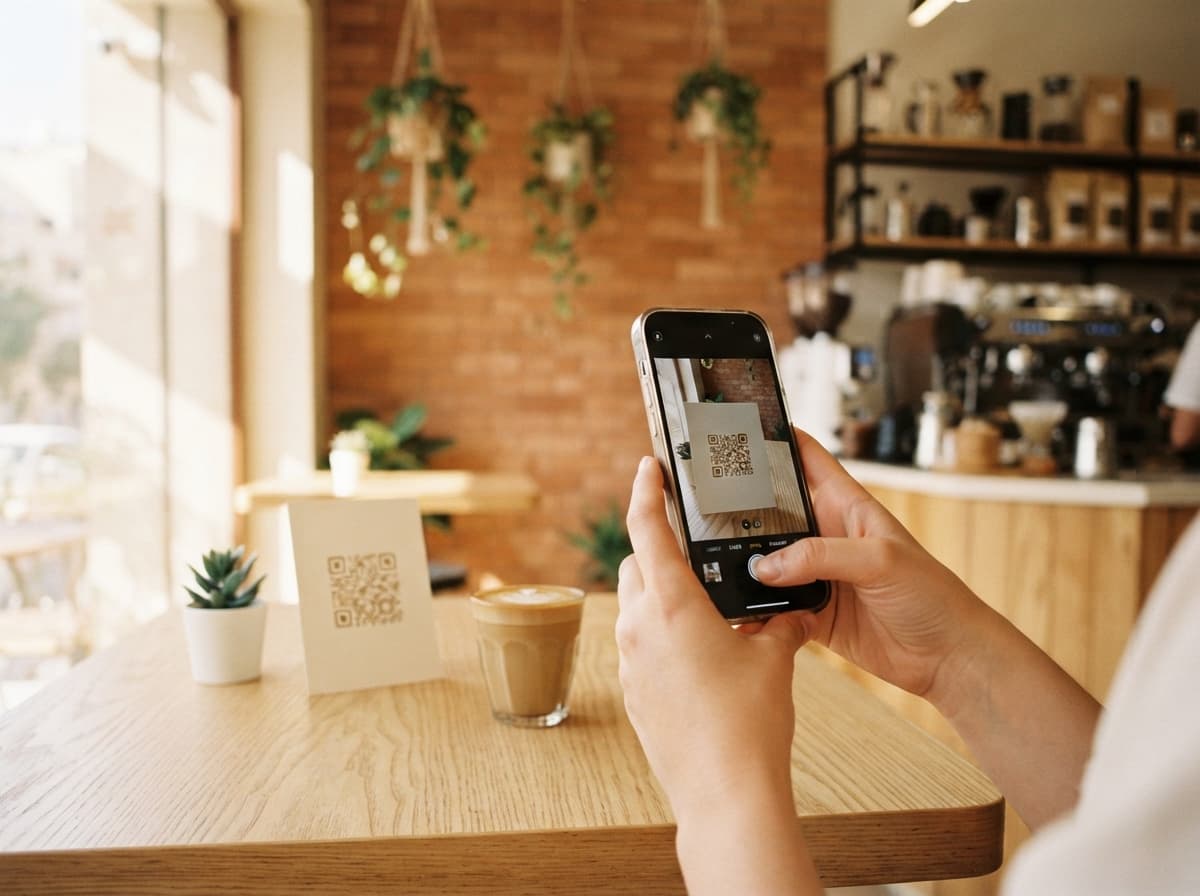
Scan the table's QR
A printed sticker lives on each table. One scan opens your menu in the browser — and the order already knows it's table 7.
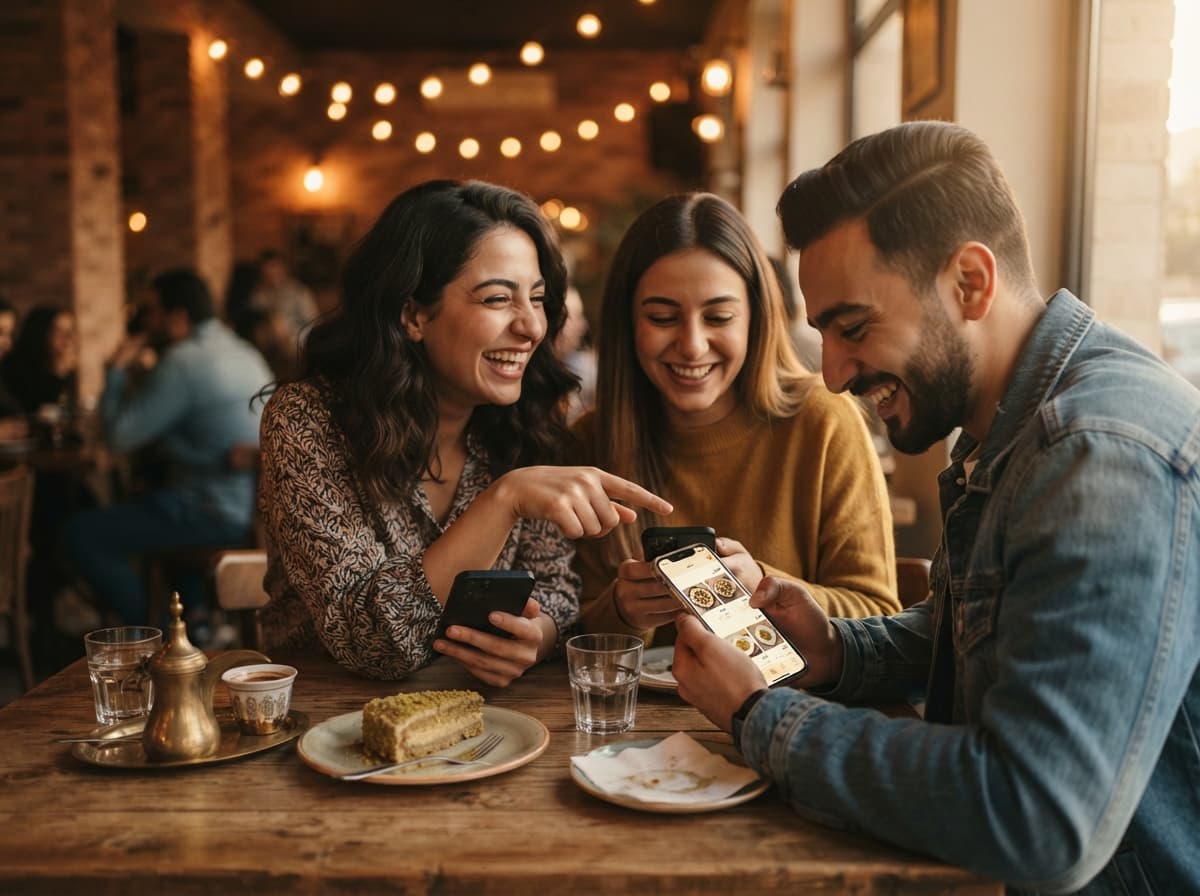
Order together
The whole table shares one cart on one bill. Each item is tagged with a first name, and guests keep ordering rounds all night.
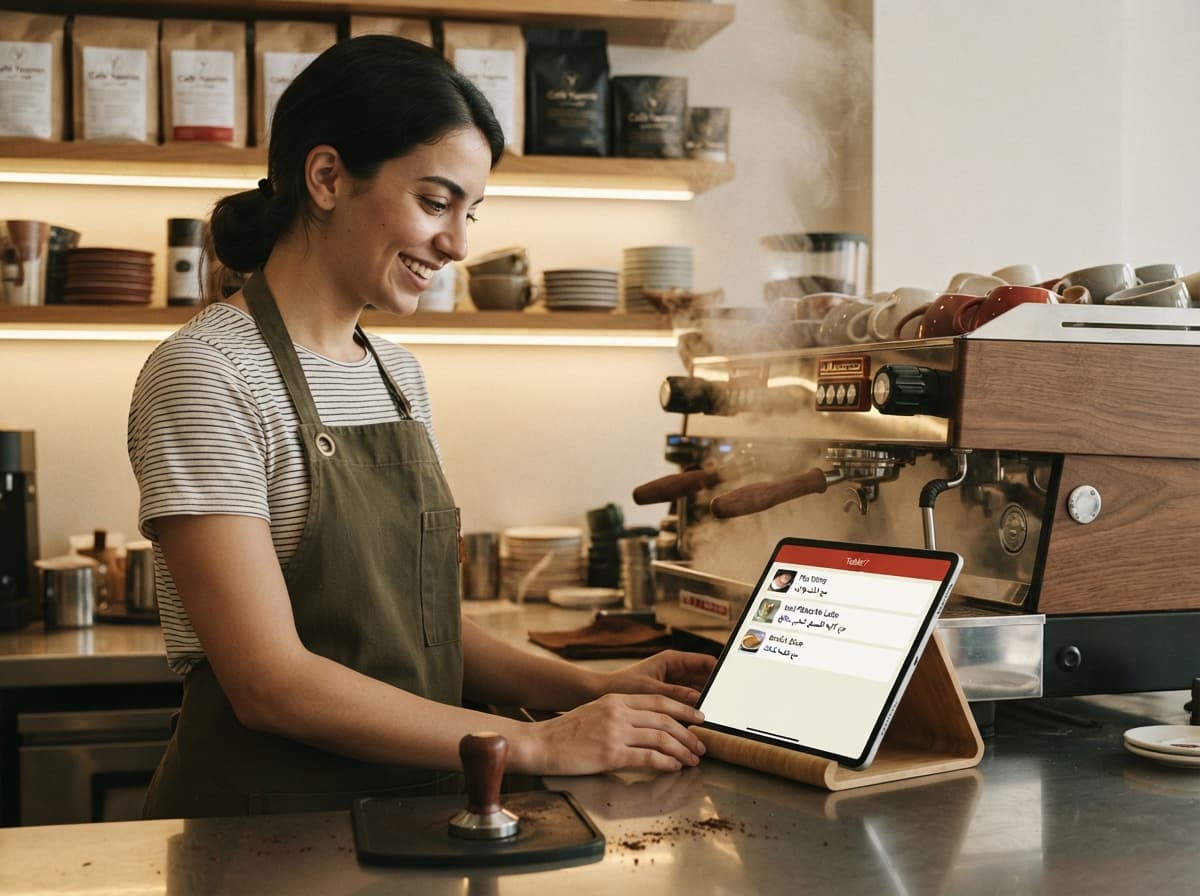
Serve and settle
Your counter screen rings the moment an order is sent. Guests pay the waiter like they always have — cash or card.
One sticker. A fresh table every time.
The QR on the table never changes — the table session behind it does. Here's one evening at table 7.
7:02 PM
First scan opens the table
A party sits down and scans. A fresh table session starts — empty cart, clean slate.
7:05 PM
Everyone joins in
Friends scan the same sticker and land in the same session. One shared cart, names on every item.
8:10 PM
Rounds add up
Dessert, refills, one more round — all on the same running bill. No waving for menus.
8:45 PM
Paid, closed, reset
The table settles up and leaves. The session closes — the next party sees nothing but a fresh menu.
Made for the floor, not the boardroom
Tables that reset themselves
When a party leaves, their table session closes. The next guests scan the same sticker and see a clean menu — nothing from the table before.
Names, not guesswork
Guests can add a first name when they join. Every item shows who ordered it, so the latte lands in front of the right person.
A live counter screen
Orders ring at the counter the second they're sent. Accept, prepare, done — on any phone, tablet, or PC you already own.
Your brand, not ours
Your logo, your colors, your photos, at mataame.com/your-café. Mataame stays out of the way in a small footer line.
Arabic and English
Your menu in both languages with proper right-to-left layout. Guests switch with one tap.
No app, no hardware
Everything runs in the browser — on your guests' phones and your counter's screen. Nothing to install, nothing to buy.
At home in every kind of place
Specialty coffee·Restaurants·Dessert & bakery·Shisha lounges·Breakfast spots·Juice bars
Questions owners ask us
Do my guests need to download an app?+
No. The QR opens your menu in the phone's browser — nothing to install, nothing to sign up for.
Do guests need an account?+
Never. They can add a first name so the table knows who ordered what, and even that is optional — and deleted when the table closes.
What if a guest prefers to order from the waiter?+
That works exactly as it always has. Your staff add the order to the same table bill from the counter screen, so the total stays complete.
How do guests pay?+
The same way they do today — with your waiter, cash or card. Mataame handles the ordering; your payment flow doesn't change.
How much does it cost?+
Simple monthly pricing based on how many tables you have — nothing else, and every feature is included. Write to us and we'll quote it in one message. Your first month is always free.
What do I need to install?+
Nothing. We generate printable QR stickers for your tables, and any phone, tablet, or PC at the counter shows incoming orders.